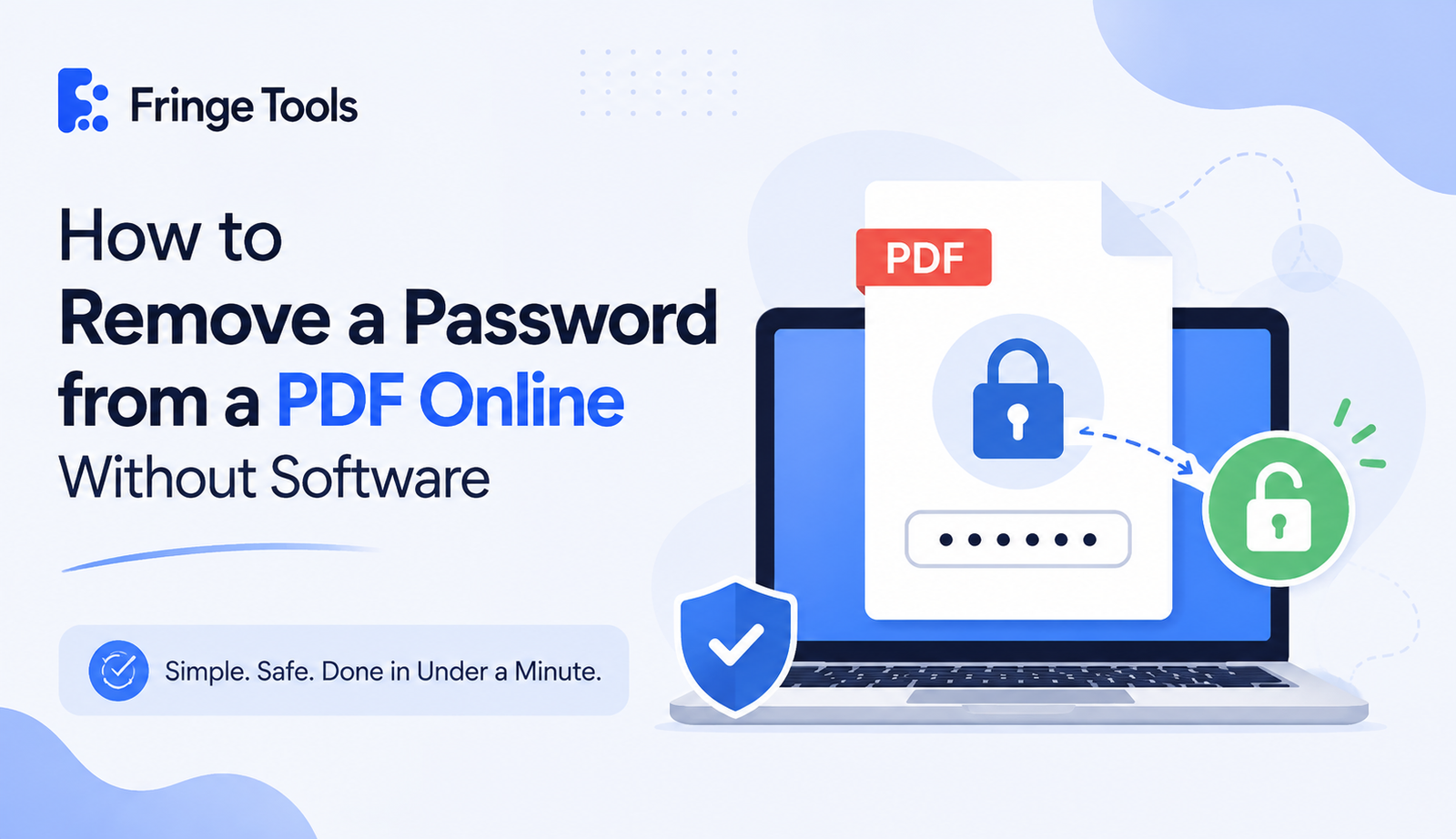
Quick answer: If you know the password to a PDF and just want it gone for good, upload the file to a free online PDF unlocker, enter the password once to confirm you own the file, and download an unlocked copy. No software installation is required, and the whole process takes under a minute.
That's the short version. Here's the fuller picture, including what this actually can and can't do.
Why People Need to Remove a PDF Password
Password-protected PDFs make sense the first time you send them a bank statement, a signed contract, an HR document. But six months later, that same password becomes a headache. You're the one who owns the file, you remember the password, but you're tired of typing it in every single time you open it.
That's the most common reason people search for how to remove a password from a PDF online without software: they're not trying to break into someone else's file. They just want their own document to stop asking.
Important: There's a Difference Between "Open" Passwords and "Permission" Passwords
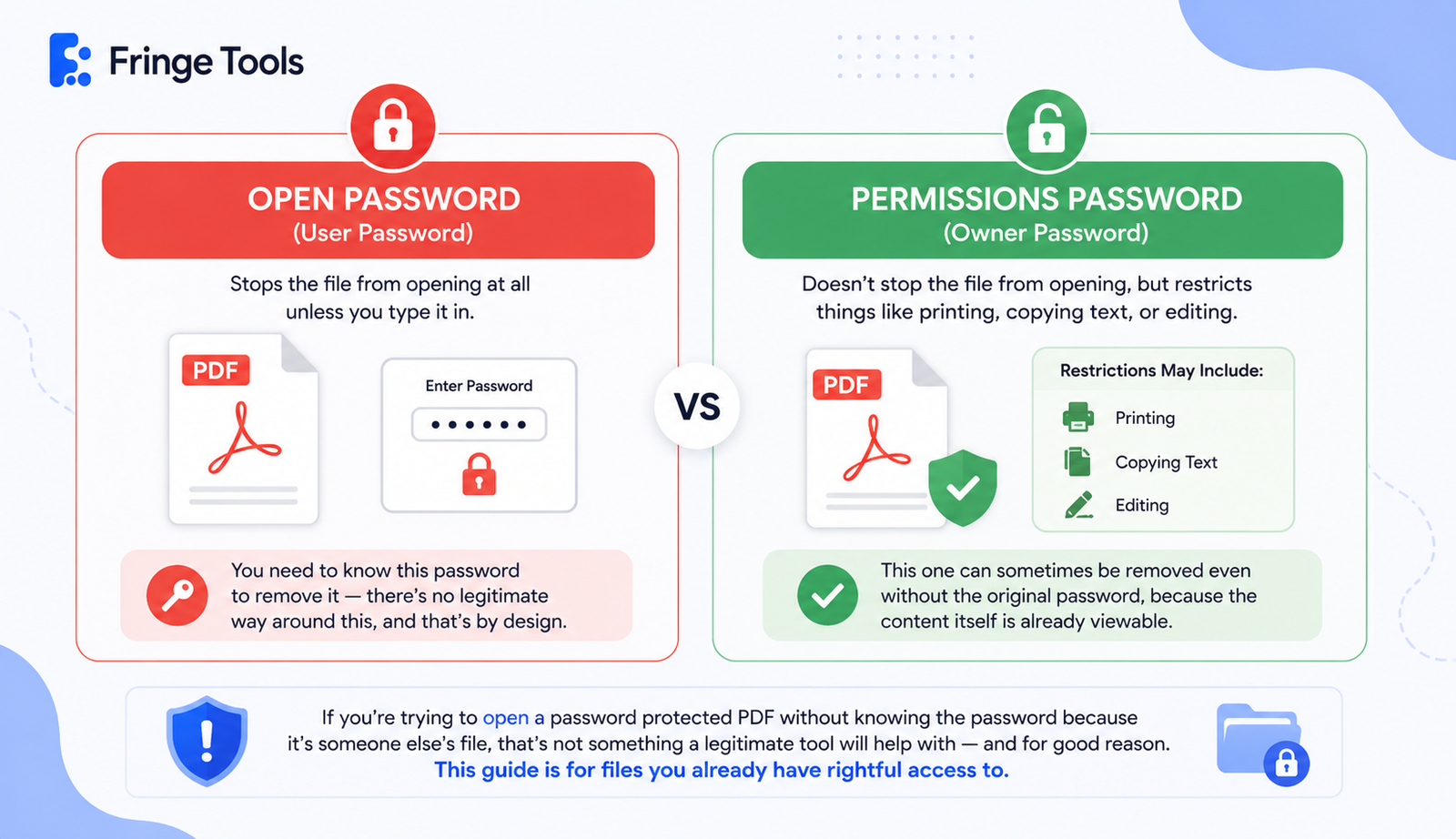
This trips a lot of people up, so it's worth clearing up early.
-
An open password (user password) stops the file from opening at all unless you type it in. You need to know this password to remove it there's no legitimate way around this, and that's by design.
-
A permissions password (owner password) doesn't stop the file from opening, but it restricts things like printing, copying text, or editing. This one can sometimes be removed even without the original password, because the content itself is already viewable.
If you're trying to open a password protected PDF without knowing the password because it's someone else's file, that's not something a legitimate tool will help with and for good reason. This guide is for files you already have rightful access to.
How to Remove a PDF Password Online
-
Go to a free PDF password remover, like Fringe Tools' Unlock PDF tool, directly in your browser.
-
Upload the protected PDF. No account or email required.
-
Enter the current password when prompted. This confirms you have legitimate access to the file.
-
Let it process. The tool strips the encryption and rebuilds the file without the password requirement.
-
Download the unlocked PDF. From this point on, it opens normally, without asking for anything.
That's the entire process to delete a PDF password without Acrobat no subscription, no desktop install.
Is It Safe to Remove a PDF Password Online?
This is a legitimate question, especially if we are talking about files like tax returns, contracts, or identity card images. Some precautions before uploading sensitive files include:
The website uses HTTPS (you should see a padlock in the address bar of your browser)
The website states that files uploaded are deleted after use and not stored for an indefinite period of time.
There’s no need to provide any private information, except for the password to open the file.
You will not be asked to create an account just to remove the password from the file.
If all these points are satisfied, uploading a file to remove its password is not any more unsafe than sending it as an email attachment.
What If You've Actually Forgotten the Password?
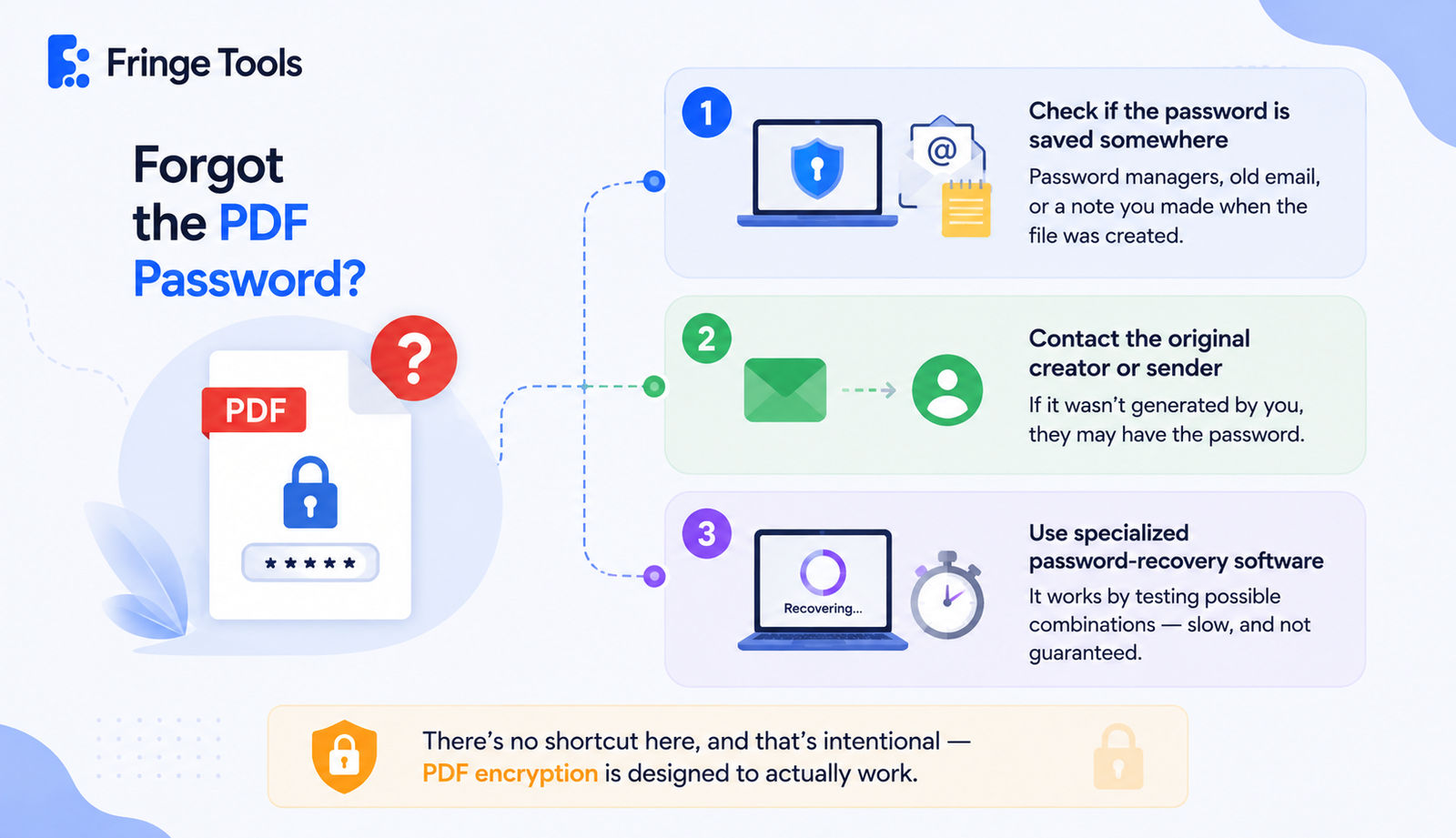
This is a different situation entirely. If you genuinely don't remember the password and it's your own file, online unlockers generally can't help, since they need the password to confirm access. Your realistic options at that point are:
-
Checking if the password is saved somewhere password managers, an old email where the PDF was originally sent, or a note you made when the file was created
-
Contacting whoever originally created or sent the file, if it wasn't generated by you
-
Using specialized password-recovery software, which works by testing possible combinations slow, and not guaranteed, especially for longer passwords
There's no shortcut here, and that's intentional - PDF encryption is designed to actually work.