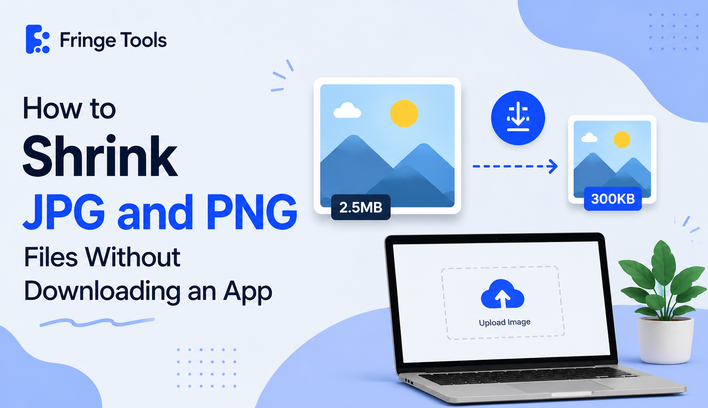
Quick answer: You can shrink JPG and PNG files without downloading an app by using a browser-based image compressor — upload the photo from your phone or computer, let it compress, and download the smaller version. No app store, no install, no storage space used on your device.
If you've ever searched your app store for "photo compressor" and been met with a wall of apps full of ads and permission requests just to shrink one image, you already know why the browser-only route is worth knowing about.
Why Skip the App Entirely
Downloading an app to compress a handful of photos is a lot of commitment for a task you might do once a month. A few real downsides of the app route:
- Storage space on a phone that's probably already tight
- Permissions — many free compressor apps ask for access to your entire photo library, contacts, or camera, well beyond what shrinking a JPG actually requires
- Ads, sometimes aggressive ones, baked into the free version
- One more app to eventually delete once you remember it's still sitting on your home screen
A browser-based tool skips all of that. You open a website, use it, and close the tab.
How to Shrink JPG and PNG Files in Your Browser
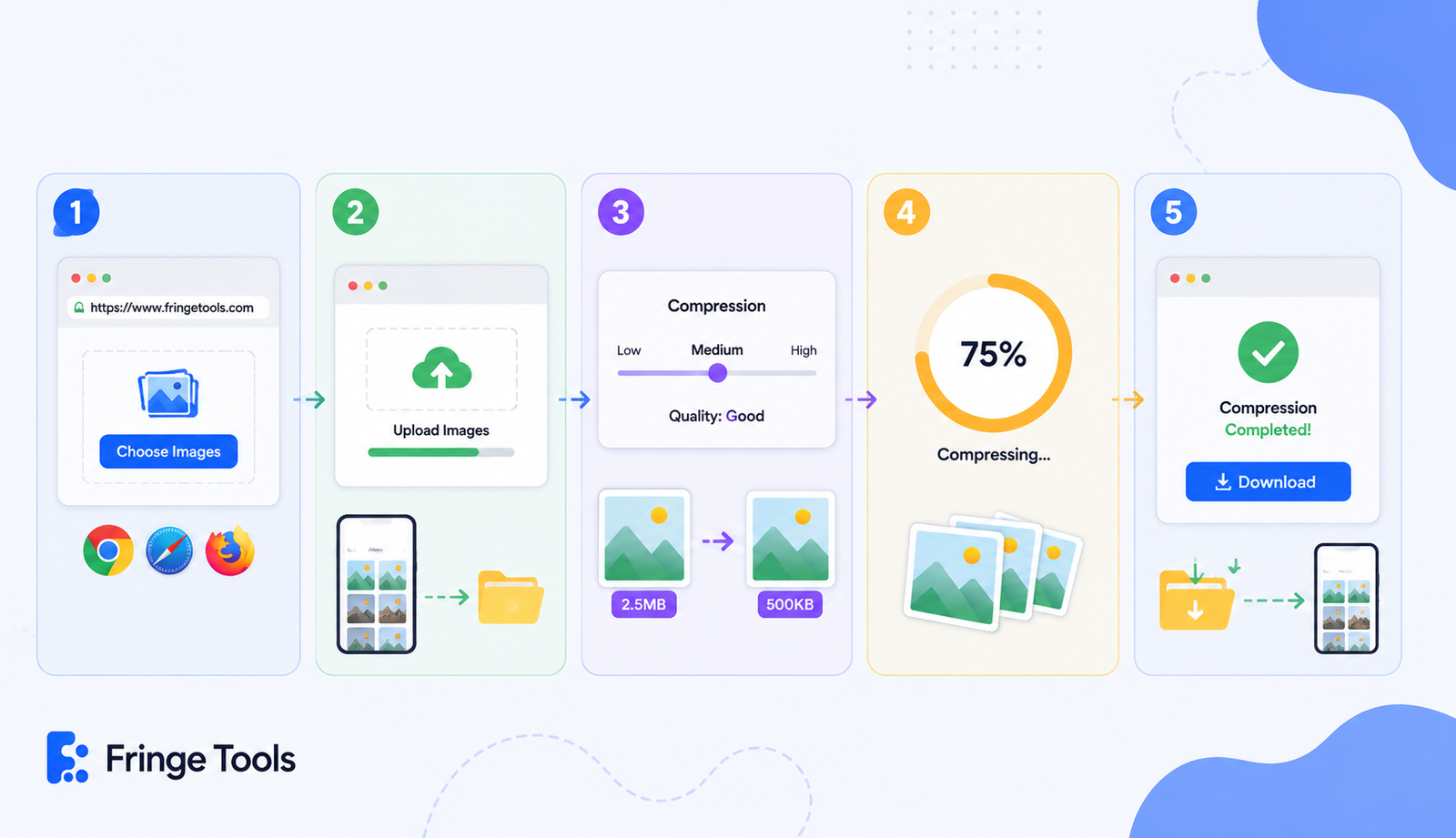
- Open a free online compressor, like Fringe Tools' Image Compressor, in any browser — Chrome, Safari, Firefox, whatever you already have.
- Upload your image(s). On mobile, this pulls directly from your photo gallery; on desktop, from wherever the file is saved.
- Adjust compression if the tool offers it. A moderate setting keeps quality intact while still shrinking the file noticeably.
- Compress. This usually takes a few seconds, even for several images at once.
- Download the result. It saves straight to your downloads folder or photo gallery, exactly like a normal file save.
That's the entire process to reduce photo size directly in the browser — no app, no install, no waiting for something to download from a store first.
Doing This on Your Phone Specifically
To shrink image size on your phone without an app, the process is nearly identical to desktop:
- Open your phone's browser and go to a free compressor site
- Tap upload, and select the photo from your gallery
- Compress and download — the smaller file saves back to your phone automatically
This works the same on iPhone and Android, since it's happening in the browser rather than relying on the operating system's native tools.
When an App Might Actually Make Sense
To be fair, there are a few situations where an app genuinely helps more than a browser tool:
- You're compressing dozens of photos regularly and want it built into your camera roll workflow
- You need compression to happen automatically in the background, without opening a browser each time
- You're offline often and need a tool that doesn't require an internet connection
For the occasional "I need this one photo smaller right now" situation, though, a browser-based compressor is faster and lighter than installing anything.
What to Check Before Using an Online Compressor
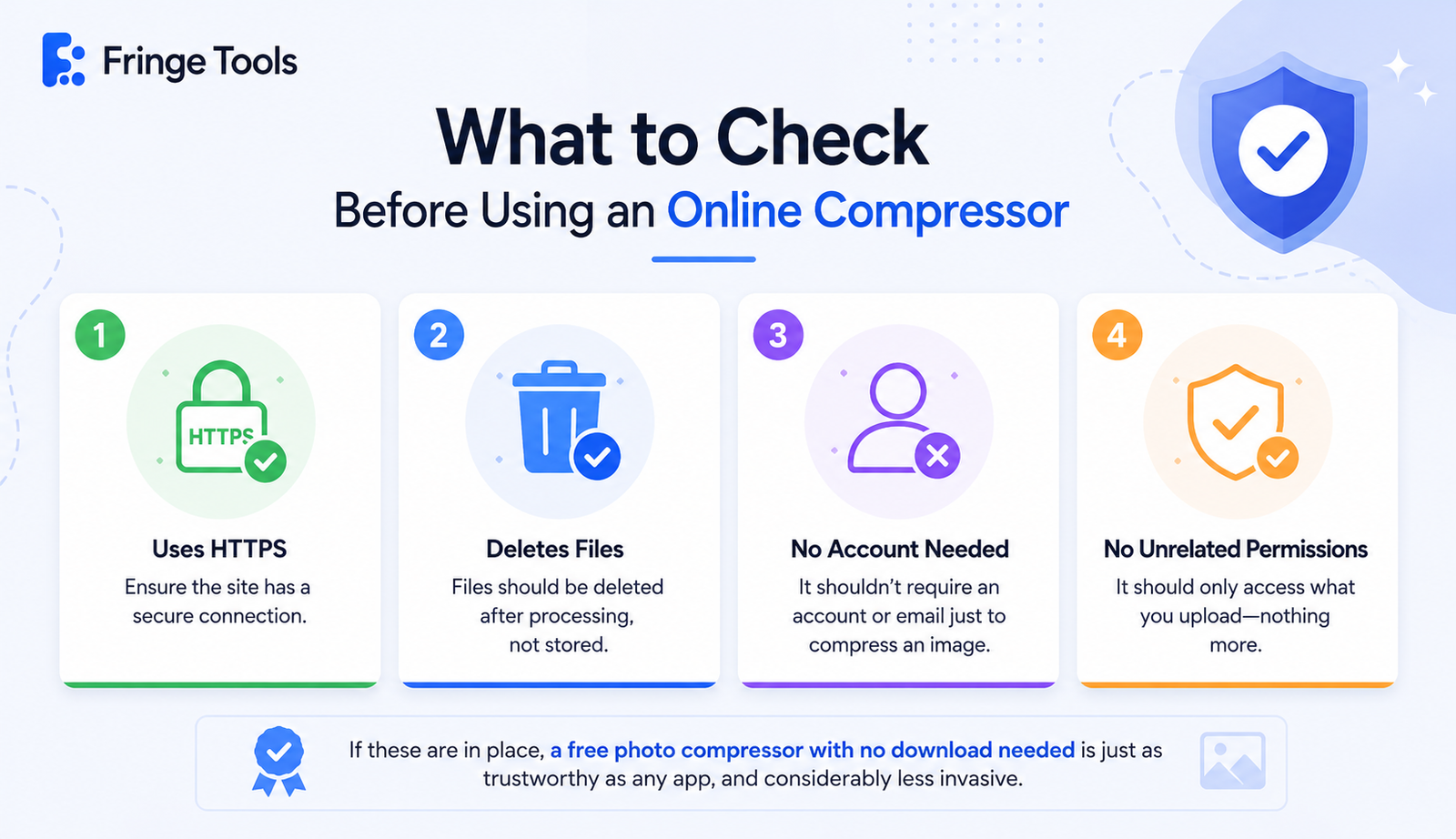
Since you're uploading a photo to a website rather than processing it locally, it's worth a quick sanity check:
- The site uses HTTPS (secure connection)
- It states that files are deleted after processing, not stored
- It doesn't require creating an account or entering your email just to compress an image
- It works without asking for unrelated permissions, since a website can't access more of your device than you explicitly upload
If those are in place, a free photo compressor with no download needed is just as trustworthy as any app, and considerably less invasive.