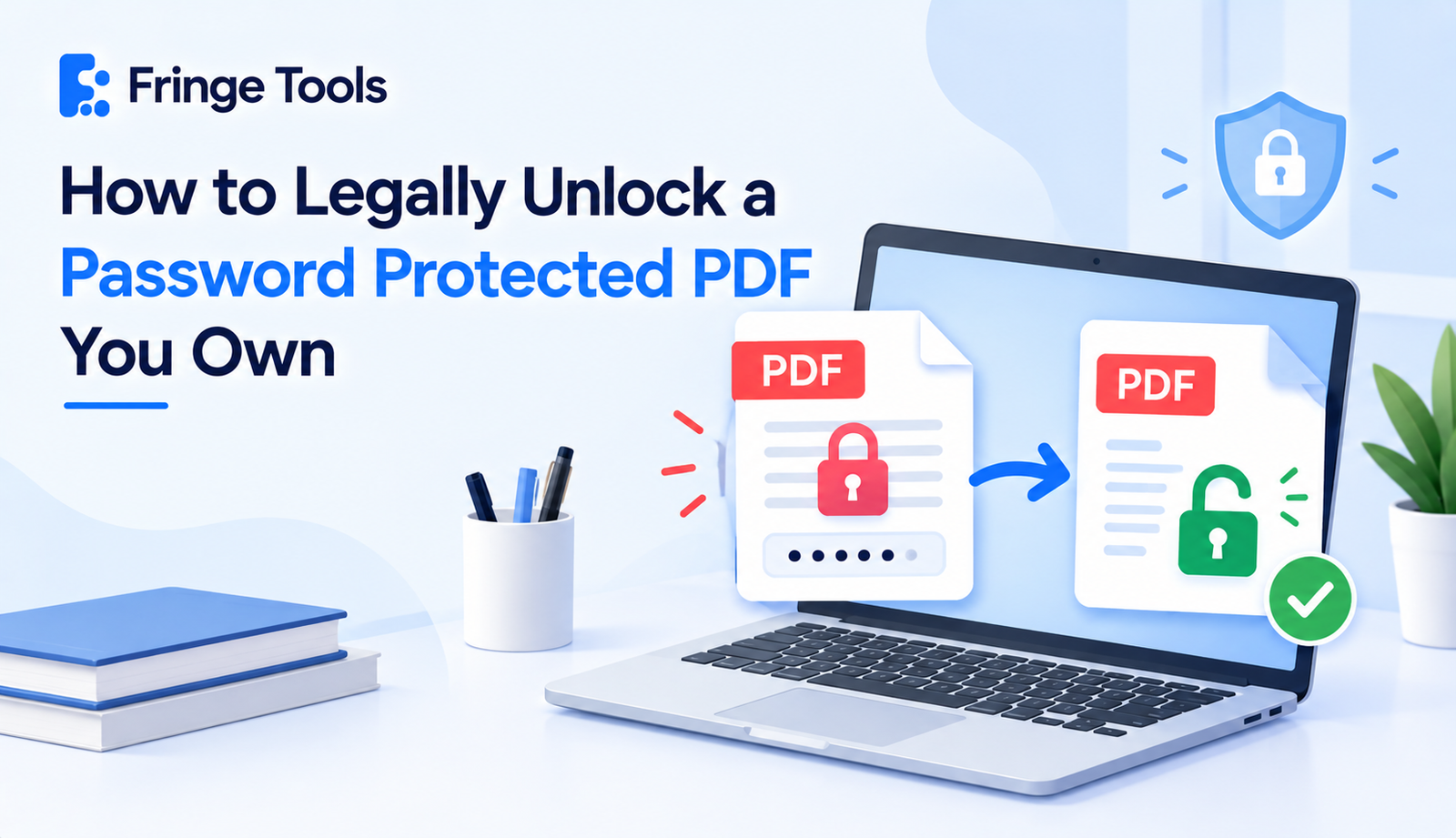
Quick answer: It's legal to unlock a password protected PDF when you own the file, created it yourself, or have the rightful password and permission to access it. What's not legal is bypassing the password on a file that belongs to someone else without their consent. The safe, legal method is simple: use a legitimate online unlocker, enter the password you already have, and download the unlocked file.
This question comes up more than people expect, because "unlocking a PDF" sounds like it might be sitting in a legal gray area. It mostly isn't the legality comes down to ownership and consent, not the act of unlocking itself.
When Unlocking a PDF Is Completely Fine
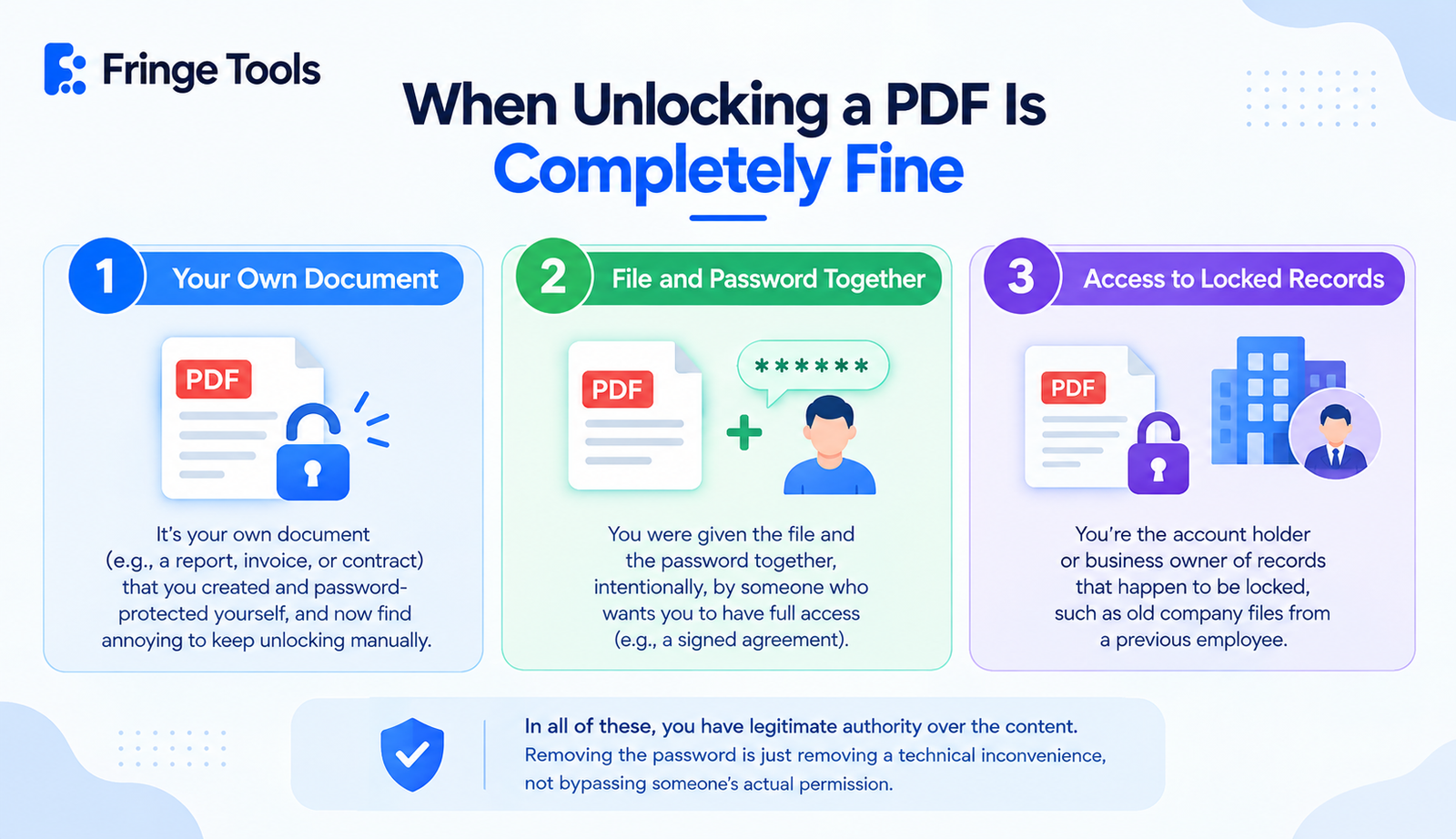
There's nothing questionable about removing a password from a PDF in situations like:
-
It's your own document a report, invoice, or contract you created and password-protected yourself, and now find annoying to keep unlocking manually.
-
You were given the file and the password together, intentionally, by someone who wants you to have full access (a signed agreement sent to you, for example).
-
You're the account holder or business owner of records that happen to be locked, such as old company files from a previous employee.
In all of these, you have legitimate authority over the content. Removing the password is just removing a technical inconvenience, not bypassing someone's actual permission.
When It Crosses a Line
The legal and ethical issue isn't the unlocking tool - it's using it on something you don't have the right to access. That includes:
-
A document someone sent you specifically to keep restricted (a confidential contract, a licensed ebook, someone else's private records)
-
A file you found or were given without the owner's knowledge that it would be unlocked
-
Copyrighted material like a paid ebook or licensed course PDF where the password exists specifically to protect the creator's rights
If you're trying to unlock protected PDF content that isn't yours and wasn't meant to be freely accessible, no tool "makes it legal" just because it's technically possible.
How to Safely Unlock a PDF You Have Rights To
-
Confirm you have the password or rightful access. This is the one non-negotiable step - legitimate tools require the current password to proceed.
-
Use a reputable online unlocker, like Fringe Tools' Unlock PDF tool, rather than downloading unfamiliar desktop software from an unclear source.
-
Upload the file and enter the password. This step is what separates a legitimate unlock from bypassing security altogether.
-
Download the unlocked version. From here, the file opens freely, without asking for the password again.
-
Store or share it appropriately. Just because the file no longer asks for a password doesn't mean the original confidentiality expectations disappear - if it was sensitive before, treat it the same way afterward.
What Makes an Online Unlocking Tool Safe to Use
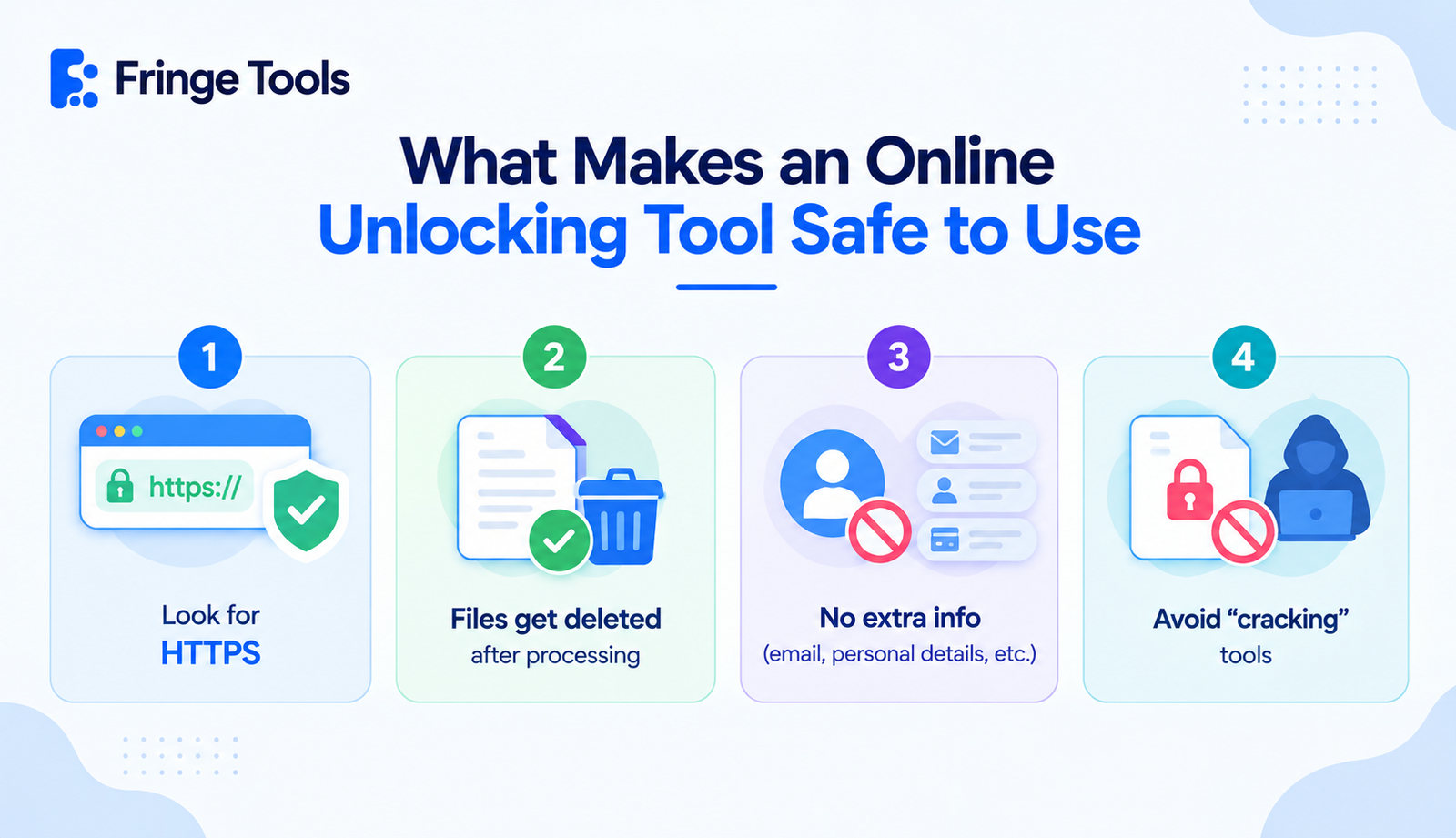
Since you're uploading a file that was deliberately protected, it's worth being a little more careful about where you do this:
-
Look for HTTPS in the browser address bar
-
Check that files are deleted after processing, not retained on a server
-
Avoid tools that ask for more than the password - your email, personal details, or account creation shouldn't be required just to unlock a file you already have rights to
-
Skip tools that seem built for "cracking" locked files rather than removing a password you already know that's a different (and often less trustworthy) category of software entirely
A Simple Way to Think About It
If someone handed you a locked box and the key, opening it isn't a legal question - it's just opening a box. The same logic applies to PDFs: having the password (or the rightful authority to obtain it) is what makes unlocking straightforward and legitimate. Trying to open a locked box that was never yours, using a tool designed to pick locks, is where the situation changes entirely.